Install Status Monitor
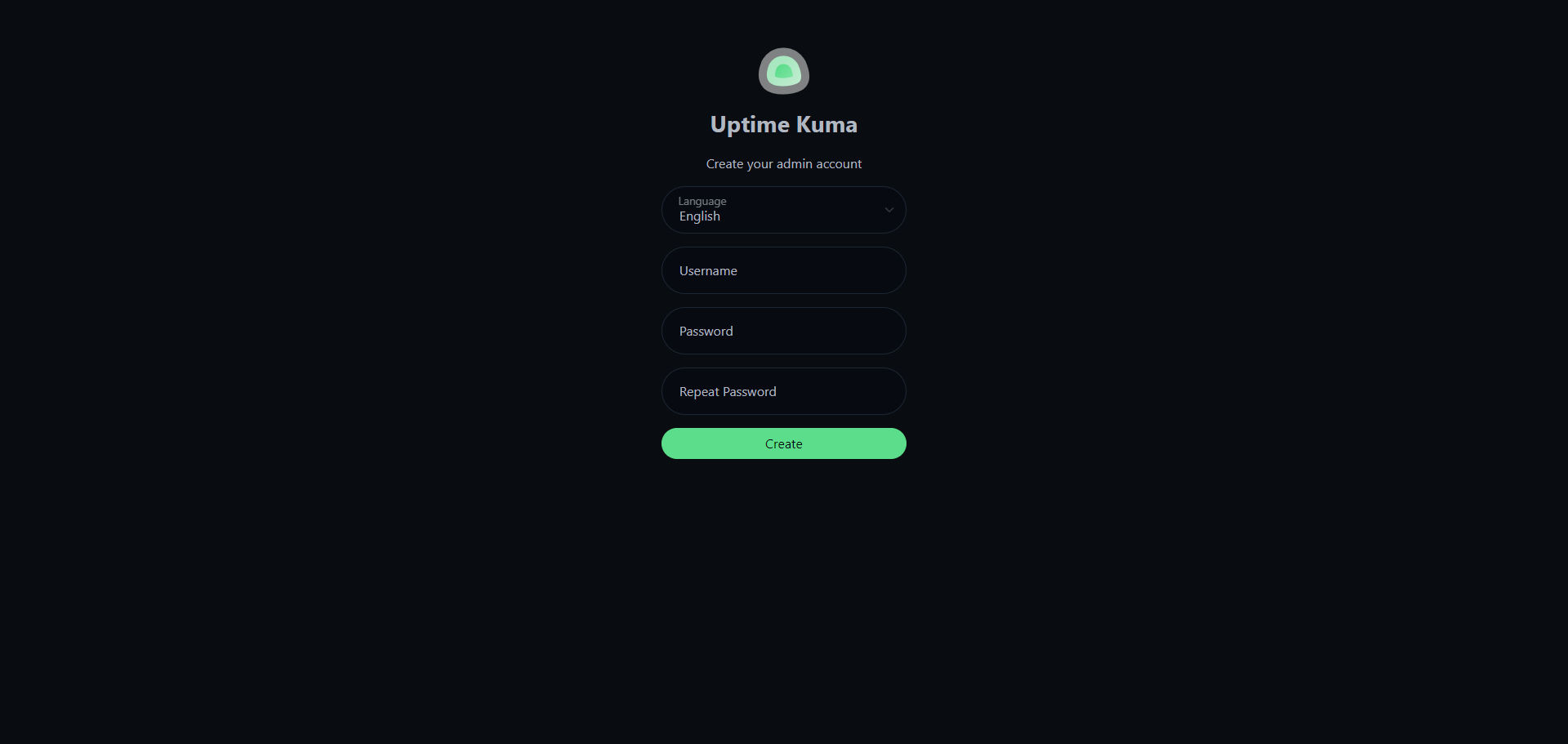
1. Create an admin account
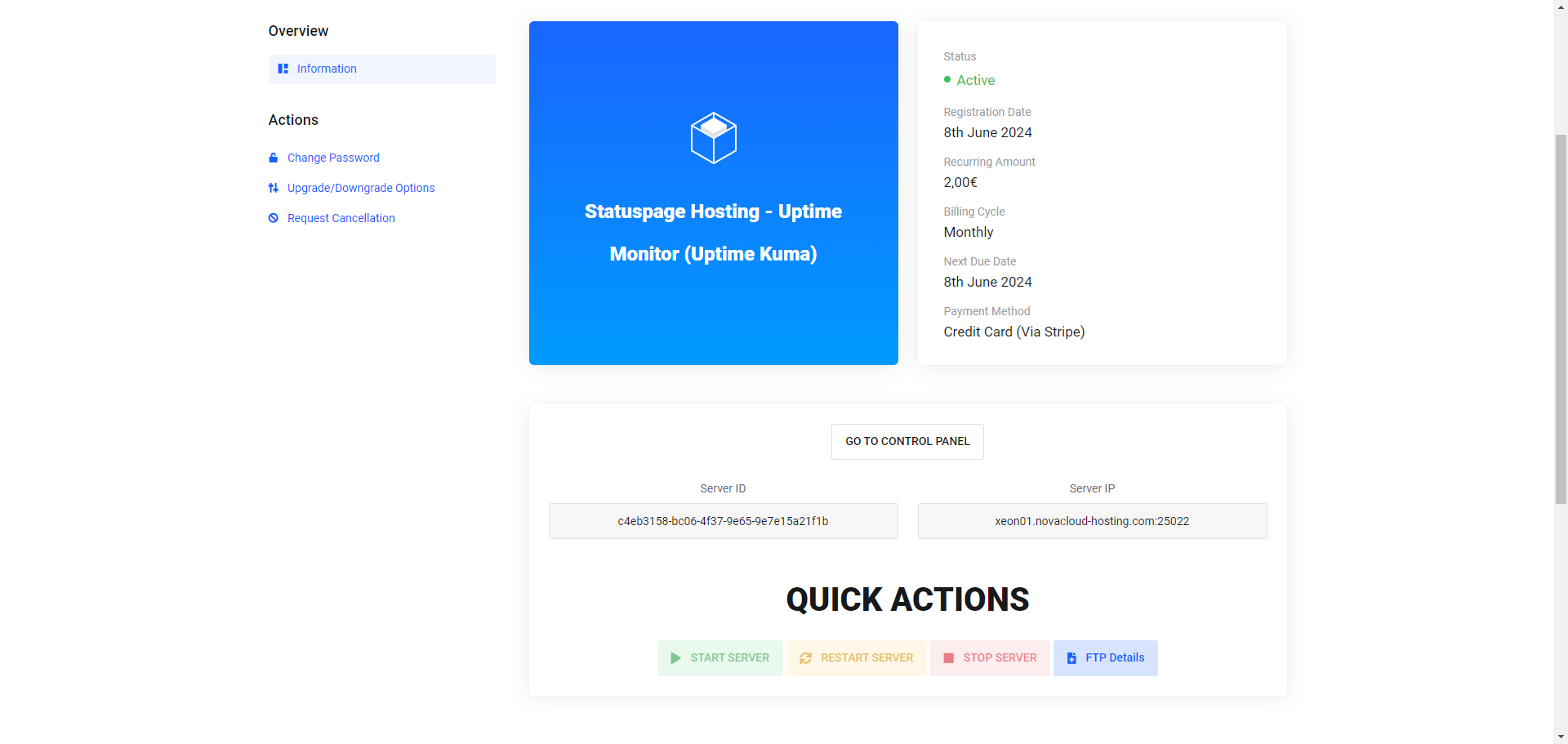
First we start the Uptime Kuma instance and take the server IP, which in this case is xeon01.novacloud-hosting.com:25022, and open it in the browser. (On the first installation, starting up may take a little longer.)
Now we can create the admin account by choosing the desired username and password.